Core Concepts
Tickets, Sessions, Attendees, and Registrations
These four concepts are the most commonly confused in Forge. They are related but distinct — understanding the difference is essential for building events correctly and interpreting your data.
Quick comparison
| Concept | What it is | Salesforce object | Created when |
|---|---|---|---|
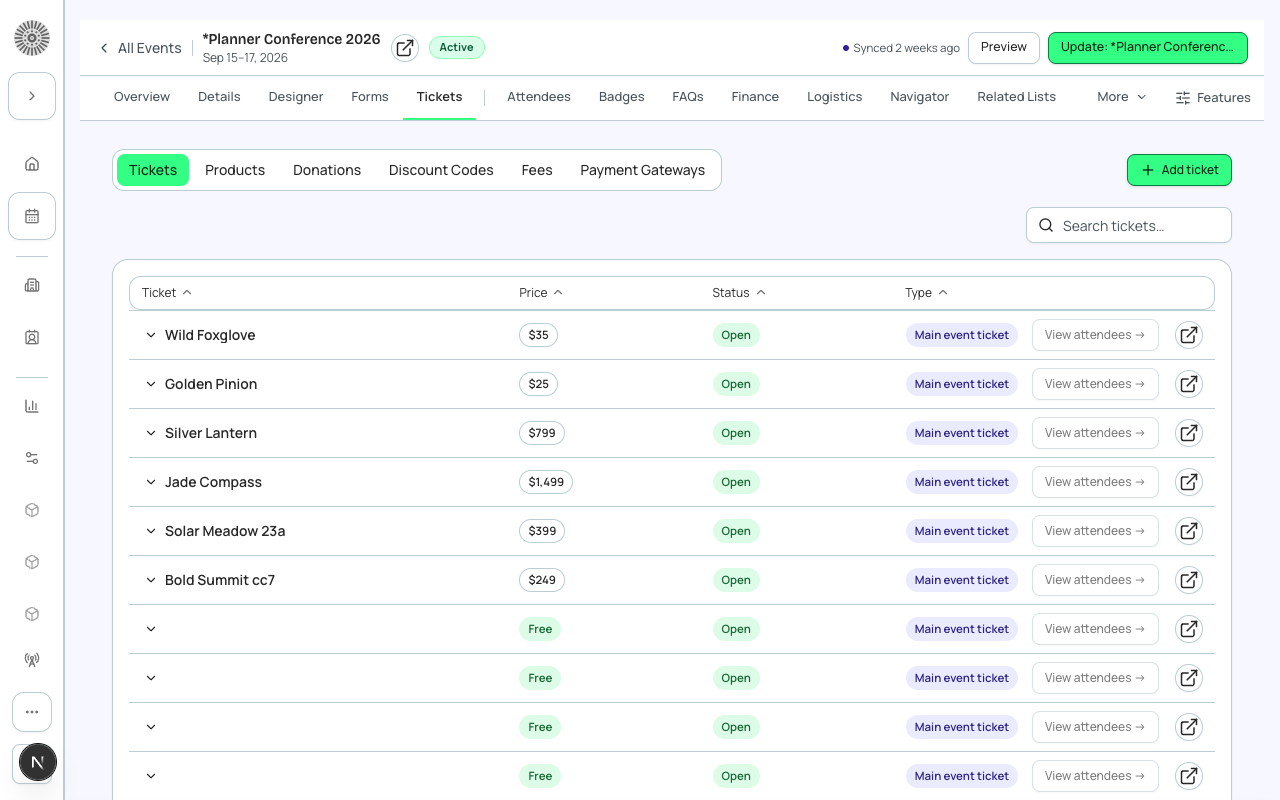
| Ticket / Item | A purchasable or free item that grants access to an event or session. Has a price, quantity, and status. | conference360__Event_Item__c | Event planner adds it in Forge. |
| Session | A scheduled breakout, workshop, or track within an event. May have its own capacity and enrollment rules. | conference360__Session__c | Event planner adds it in Forge. |
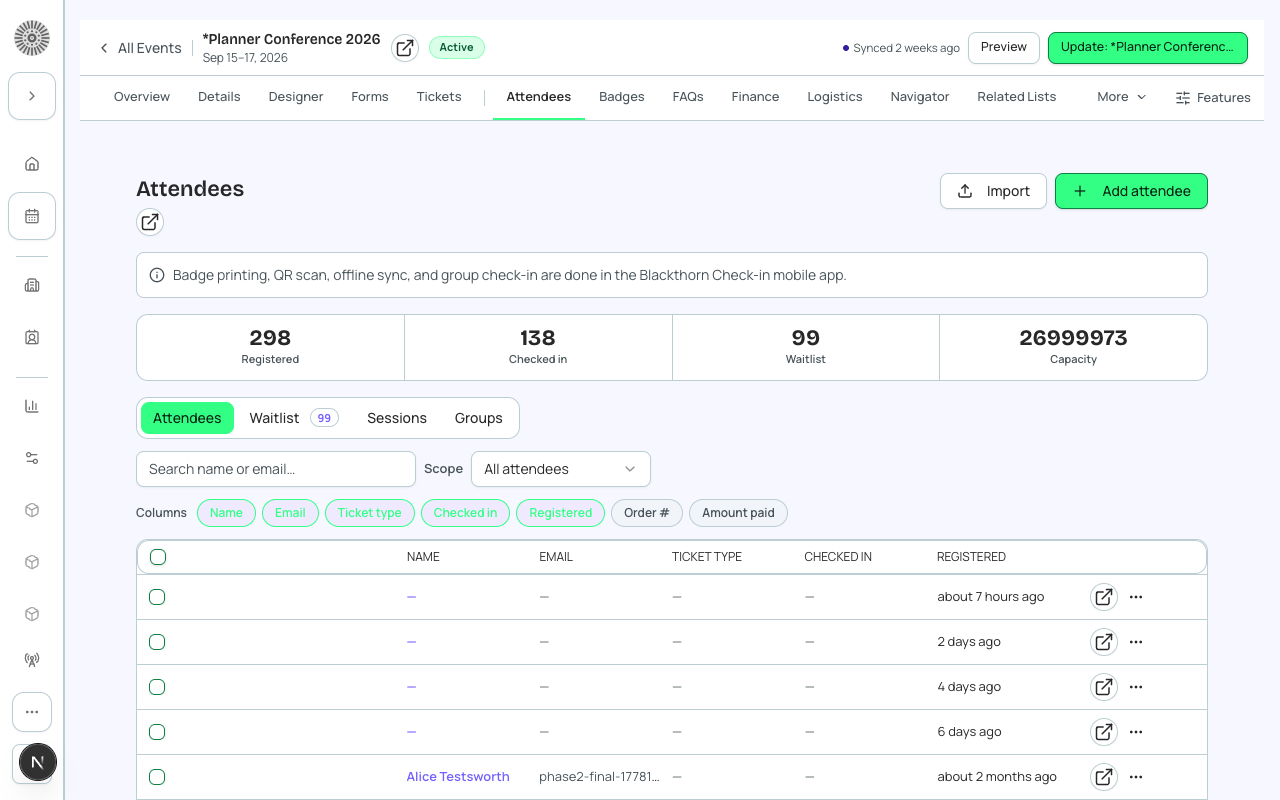
| Attendee | A person who has registered for the event. Linked to a Salesforce Contact or Lead. Holds the person's name, email, and status. | conference360__Attendee__c | Created automatically when someone completes registration. |
| Registration | The overall transaction record linking an attendee to the event, the ticket(s) purchased, and the payment (if paid). | conference360__Attendee__c (primary) + bt_stripe__Transaction__c (if paid) | Created automatically on registration completion. |
Tickets / Items in detail
A Ticket (or Item) is the thing a registrant selects during checkout. One event can have many ticket types — general admission, VIP, early bird, donation, or product.
| Forge | SF Object | SF Field |
|---|---|---|
| Ticket name | conference360__Event_Item__c | Name |
| Price | conference360__Event_Item__c | conference360__Price__c |
| Free (no charge) | conference360__Event_Item__c | conference360__Free__c |
| Type (Ticket / Donation / Product) | conference360__Event_Item__c | conference360__Type__c |
| Status (On Sale / Sold Out / etc.) | conference360__Event_Item__c | conference360__Status__c |
| Quantity available | conference360__Event_Item__c | conference360__Quantity__c |
Sessions in detail
Sessions represent specific time slots within an event — keynotes, workshops, breakout tracks, and meals. A session has a start time, end time, room, and optional capacity limit. Sessions can be linked to specific ticket types so that only certain attendees can enroll.
| Forge | SF Object | SF Field |
|---|---|---|
| Session name | conference360__Session__c | Name |
| Parent event | conference360__Session__c | conference360__Event__c |
| Start / End time | conference360__Session__c | conference360__Session_Start__c / conference360__Session_End__c |
| Room | conference360__Session__c | conference360__Room__c |
| Capacity | conference360__Session__c | conference360__Maximum_Registrants__c |
Attendees in detail
An Attendee record is created for each person who registers. It holds the link to the Salesforce Contact or Lead, the event, the ticket purchased, and the registration status. Attendee PII (name, email, phone) is always fetched from the linked Contact or Lead — it is never stored on the Attendee record itself.
PII is on the Contact or Lead, not the Attendee
The conference360__Attendee__c record stores a lookup to a Contact or Lead. Names, email addresses, and phone numbers live on those standard Salesforce objects. Forge fetches them just-in-time when rendering the attendee list. This means Salesforce field-level security on Contact.Email controls whether a Forge user can see an attendee's email address.
| Forge | SF Object | SF Field |
|---|---|---|
| Attendee status (Registered / Waitlisted / Invited / Checked In) | conference360__Attendee__c | conference360__Status__c |
| Linked Contact | conference360__Attendee__c | conference360__Contact__c |
| Linked Lead | conference360__Attendee__c | conference360__Lead__c |
| Event | conference360__Attendee__c | conference360__Event__c |
Registrations in detail
"Registration" is not a standalone Salesforce object — it describes the combined state of an Attendee record plus any associated Transaction records. When someone pays for a ticket, a bt_stripe__Transaction__c record is created and linked to the Attendee. Together, these records represent the complete registration.