Global Tour
Global Options
Global Options is where workspace-wide settings live — things that apply across all events rather than to a single one. You reach it from the gear icon in the left sidebar. Changes here affect every event in your Forge workspace.
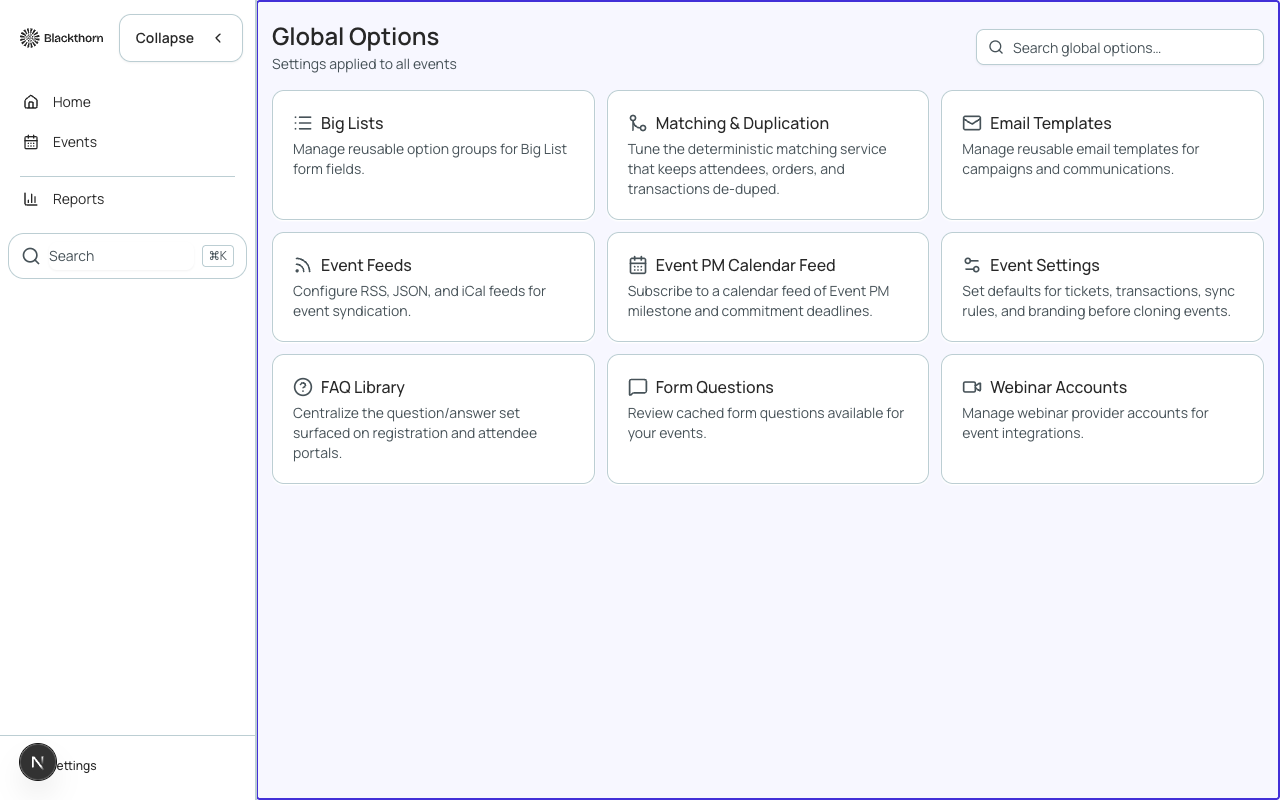
Branding
Set your workspace logo, primary color, and font. These defaults pre-populate every new event's Page Designer and email templates. Individual events can override them.
Payment Gateways
Connect your payment processor. Forge supports Stripe, Authorize.Net, PayPal, Spreedly, and TouchNet. You can have multiple gateways configured — each event selects which gateway handles its payments.
Gateway credentials are sensitive
Payment gateway credentials are stored encrypted in Salesforce as bt_stripe__Payment_Gateway__c records. Never share or log gateway API keys. Contact your SF admin to rotate credentials.
Fees
Define processing fees that are automatically added to paid ticket purchases. Fees can be a flat amount or a percentage, and can be absorb (organizer pays) or pass-through (registrant pays). Configure default fees here; individual events can override or waive them.
| Forge | SF Object | SF Field |
|---|---|---|
| Fee type | bt_stripe__Fee__c | conference360__Fee_Type__c |
| Fee amount | bt_stripe__Fee__c | conference360__Fee_Amount__c |
Email Settings
Configure the default 'From' name and email address for all outgoing Forge emails. You can also set a reply-to address and an unsubscribe list endpoint. Email delivery uses Salesforce's email infrastructure by default, or a configured SendGrid account.
Discount Codes
Global discount codes can be applied to any event. Event-specific codes are managed inside each event's Finance tab. Here you create workspace-wide promo codes — useful for partner organizations or multi-event discounts.
Integrations
Forge integrates with third-party tools via webhooks and native connectors. From Global Options > Integrations you can configure:
- Webhook endpoints — receive real-time event notifications (registration created, payment completed, attendee checked in).
- Zapier connection — connect Forge to 5,000+ apps without code.
- Mailchimp sync — push attendee lists to Mailchimp audiences.
- Slack notifications — send registration alerts to a Slack channel.
Locale and Time Zone
Set the workspace default locale and time zone. These are the defaults new events inherit. Individual events can override their own time zone, which affects how session times and deadlines display to registrants.