Admin
Profiles
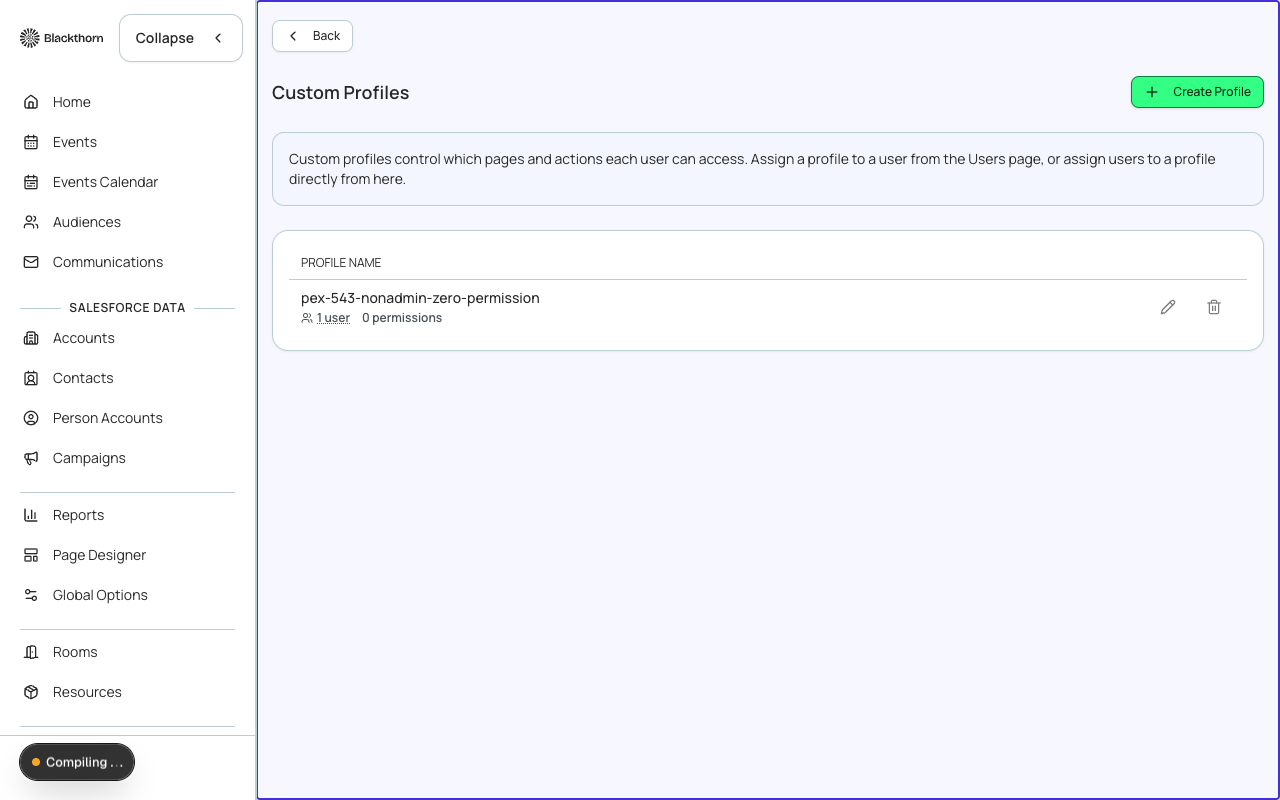
Profiles are named permission bundles that determine what a Forge user can see and do. Every user is assigned exactly one profile. Profiles let you grant an event coordinator access to attendee management without exposing payment gateway credentials, or give a read-only stakeholder dashboard visibility without edit rights.
Built-in profiles
| Profile name | Intended role | Key permissions |
|---|---|---|
| System Administrator | Full access. Can manage all Admin settings, users, and data. | All permissions on. |
| Event Manager | Create and manage events, attendees, sessions, and communications. | No Admin access; can view but not edit payment gateways. |
| Event Coordinator | Day-to-day attendee and check-in tasks; limited configuration access. | Read events; manage attendees; run check-in. |
| Finance Viewer | View financial reports and transaction records without editing anything. | Read-only on Finance and Reporting tabs. |
| Read Only | Inspect events and reports. No create, edit, or delete. | All writes disabled. |
Creating a custom profile
- Navigate to Admin → Profiles and click New Profile.
- Enter a name and optional description.
- Toggle individual permission switches for each Forge feature area (Events, Attendees, Finance, Admin, Portals, etc.).
- Click Save. The new profile is immediately available in the user assignment flow.
Editing or cloning a profile
Open any profile to view its permission matrix. Use Edit to adjust permissions in place. Use Clone to create a copy with a new name — a useful starting point when you need a profile that is mostly the same as an existing one.
Assigning profiles to users
Profiles are assigned on the Users & Accounts page (Admin → Users & Accounts). You can reassign a user's profile at any time; the change takes effect at their next page load.
Principle of least privilege
Grant users only the permissions they need for their role. Avoid assigning System Administrator to event-operations staff. Forge profile permissions are separate from Salesforce profiles — a user may have different access levels in each system.