Beta & Experimental Features
Badges (Beta)
Early AccessManage on the Beta Features pageThe Badges feature lets you design, preview, and print professional name badges and check-in passes for your event attendees — all from within Forge, without needing a third-party design tool.
Beta feature
Badges is a beta feature. Enable it for your org on the /beta page. Badge templates and export formats may change before general availability.
What it does
The badge designer gives you a canvas-based editor where you can build badge templates for any ticket tier, attendee segment, or event role. Once designed, Forge generates print-ready PDFs that you can send to a print shop or run through your own printer.
- Canvas editor with drag-and-drop text, image, QR code, and shape elements
- Pre-built templates for standard badge sizes (3×4", 4×3", A6, custom)
- Dynamic merge fields: attendee name, company, ticket type, session track, QR code for check-in scanning
- Per-ticket-tier badge designs — VIP, Speaker, Staff, and GA can each have a different layout
- Bulk PDF export for all attendees or a filtered subset
- Print preview with bleed and crop-mark guides
- Dark/light background support with font contrast validation
How to enable
- Go to /beta and toggle Badges on.
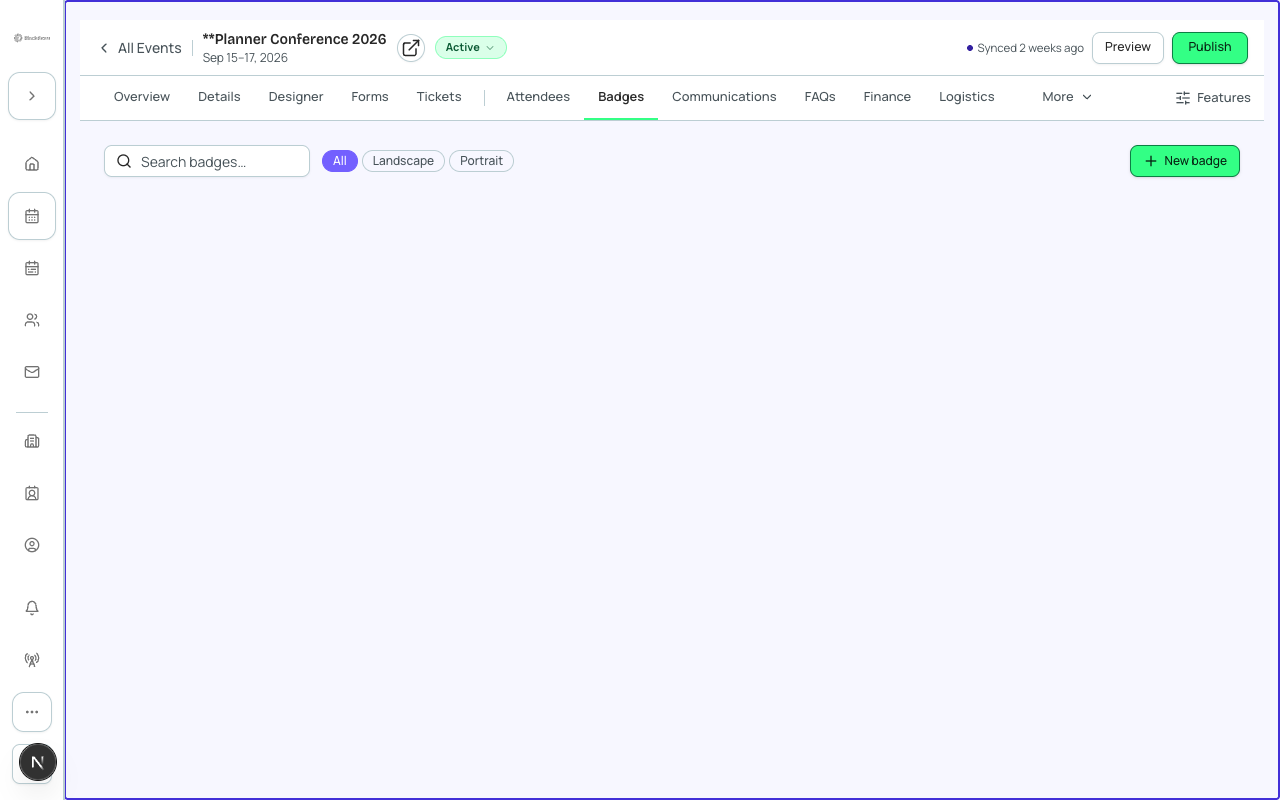
- Open any event. A Badges tab will appear in the event workspace alongside the standard tabs.
- Click Badges to open the badge management page for that event.
- Click New Template to open the canvas editor, or choose a starter template from the gallery.
- Design your badge. Drag merge fields from the right panel onto the canvas to include attendee data.
- Click Save Template when your design is ready.
- To print, click Export PDF. Choose All Attendees or apply a filter (e.g. ticket tier = VIP). Forge generates one PDF page per badge.
Merge fields available on badges
| Badge field | Source |
|---|---|
| First name | conference360__Attendee__c.conference360__First_Name__c |
| Last name | conference360__Attendee__c.conference360__Last_Name__c |
| Company | Resolved from Contact.Account.Name or Attendee custom field |
| Ticket type | conference360__Event_Item__c.Name |
| QR code | Derived from Attendee record Id — used for check-in scanning |
| Session track | conference360__Session__c track assignment (when Sessions enabled) |
Attendee PII on badges
Badge PDFs contain attendee names, companies, and QR codes that are linked to Salesforce Attendee records. Treat exported badge PDFs as PII-bearing documents. Do not share them publicly or store them outside your organization's approved systems.
Current limitations
- Badge templates are per-event — you cannot share a template across events yet (planned for GA).
- The canvas editor does not support custom fonts in this beta; system fonts only.
- PDF export is limited to 2,000 attendees per batch. For larger events, filter by ticket tier and export in batches.
- SVG/PNG export is not yet supported — PDF only.
- Badge printing integration with print-shop APIs (e.g. MOO, Printful) is planned post-GA.
- The QR code merge field encodes the Salesforce Attendee record Id. Scanning requires the Forge check-in app or a compatible scanner.
Salesforce note
Badge templates are stored in Forge's Postgres configuration layer (not in Salesforce) and are associated with the conference360__Event__c record Id. Attendee data for badge generation is fetched just-in-time from Salesforce at export time and is never persisted in Forge.