Beta & Experimental Features
Data Dictionary
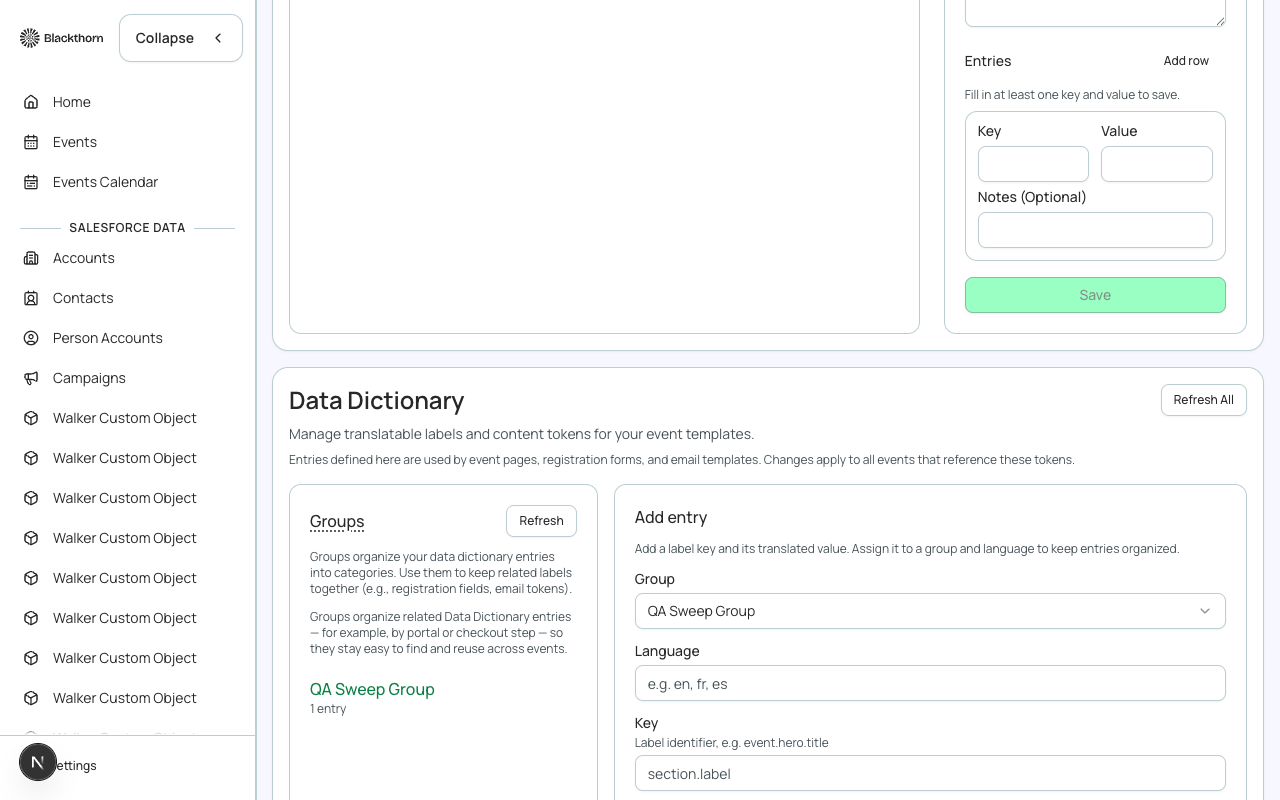
Early AccessManage on the Beta Features pageData Dictionary lets you create custom labels and reusable content tokens — key/value pairs you can reference from event pages, registration forms, and email templates. Change the value once and it updates everywhere that token is used.
Groups
Groups organize related entries — for example, by portal or checkout step — so they stay easy to find and reuse across events.
Adding an entry
- Open the Translations & Data Dictionary page from Global Options.
- Scroll to the Data Dictionary section.
- Choose an existing Group, or create a new one.
- Enter a Key — the identifier other content will reference — and a Value.
- Optionally add Notes, then Save.