Beta & Experimental Features
Communications Orchestration (Beta)
Early AccessManage on the Beta Features pageCommunications Orchestration is an upcoming capability that will help event teams manage cross-campaign email overlap, prevent attendees from receiving too many messages in a short window, and apply organization-wide communication governance policies.
Beta feature — Limited availability
Communications is currently status hidden in the feature registry, meaning it is not yet generally available via the /beta opt-in toggle. This page documents the planned capability. When it ships to the /beta page, this notice will be updated. If you are in the early access program, your Customer Success contact will provide access instructions.
What it does
The Forge communications engine today handles per-event email sends: confirmation emails, session reminders, speaker invitations, and custom broadcasts. Communications Orchestration adds a cross-event coordination layer that operates across all your events simultaneously.
- Overlap detection: identifies when the same contact is scheduled to receive messages from multiple events within a configurable suppression window (e.g. no more than 2 emails in 3 days)
- Governance policies: define org-wide rules for maximum send frequency, blackout periods (e.g. holiday weeks), and required cooling-off periods after a hard bounce
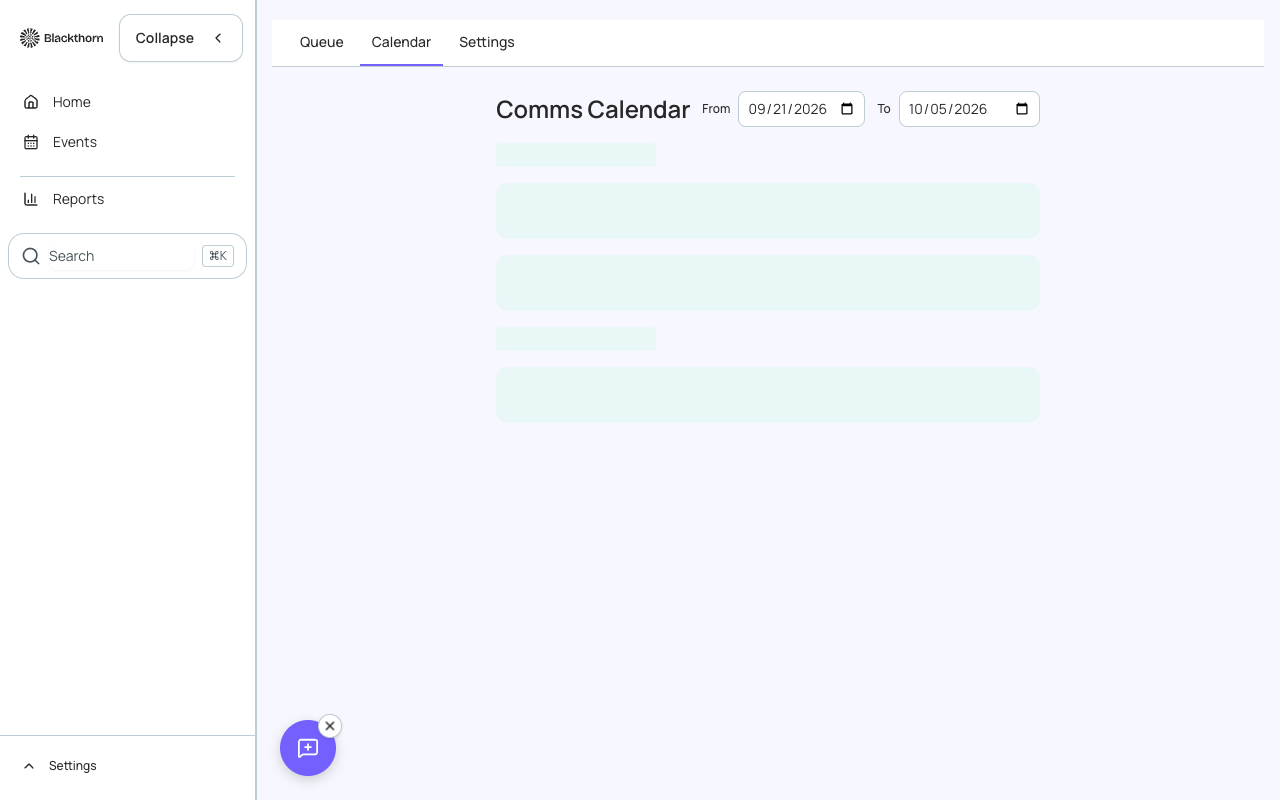
- Campaign send calendar: a unified calendar view of all scheduled email sends across every event, with conflict highlighting
- Priority overrides: mark a communication as high-priority to bypass suppression (used for transactional messages like payment receipts)
- Suppression log: per-contact log of which messages were suppressed, with reasons
- Integration with Salesforce Marketing Cloud (where licensed): governance rules can be exported to Marketing Cloud suppression lists
How to enable (early access)
Communications Orchestration is not yet available via the self-service /beta page. When it reaches beta, the steps will be:
- Go to /beta and toggle Communications Orchestration on (when available).
- Navigate to Communications in the Forge sidebar.
- Open Orchestration Settings and configure your suppression window (default: 3 days) and maximum emails per contact per window.
- Define any blackout periods for your organization.
- Review the Campaign Send Calendar to identify existing conflicts.
- Apply governance policies — Forge will flag any future scheduled sends that violate the rules before they are dispatched.
Current limitations (planned feature)
- Cross-event suppression requires all events to use Forge's built-in email system. Third-party email providers (external mode) are not covered by orchestration in this beta.
- The governance policy engine covers email sends only. SMS and push notifications are future scope.
- Salesforce Marketing Cloud export is planned but not available in the initial beta.
- The conflict calendar is read-only in the first release — direct editing of scheduled sends happens on the individual event Communications tab.
- Suppression logs are retained for 90 days in this beta; retention policies will be configurable at GA.
Salesforce note
Communications Orchestration works with Salesforce Contact and Lead records (for contact-level suppression) and bt_base__Email_Log__c (for send history). It does not modify Salesforce records directly — governance is enforced at the Forge dispatch layer before emails are handed to the sending service.