Beta & Experimental Features
Donations (Beta)
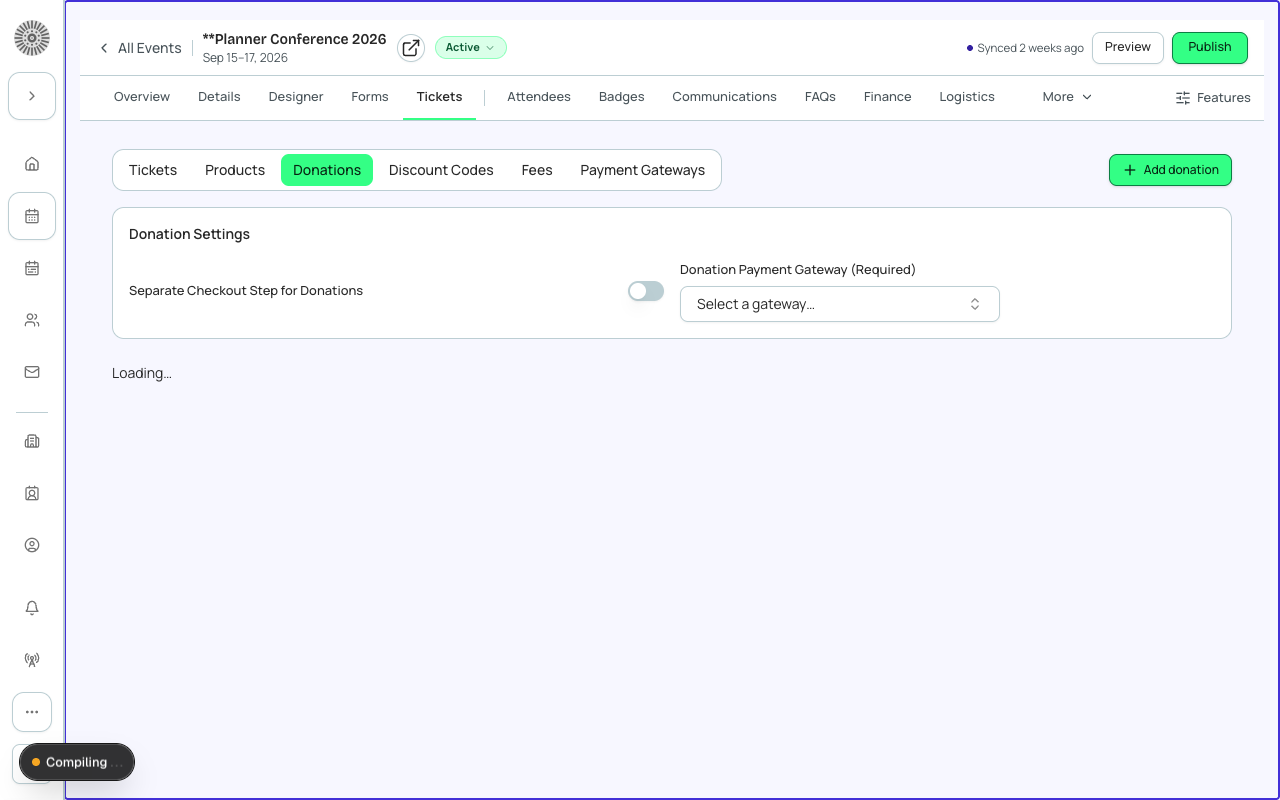
Interested?Manage on the Beta Features pageThe Donations module lets you collect one-time gifts, recurring gifts, pledges, and peer-to-peer fundraising through Forge-powered donation pages — with every transaction written through to Salesforce in real time.
Beta feature
Donations is a beta feature built on the bt_fundraising__ managed package. Enable it for your org on the /beta page. The data model and UI are stable for production use but the feature set continues to expand before general availability.
What it does
- Branded donation pages with custom ask arrays, imagery, and impact statements
- One-time and recurring gift options on the same page
- Recurring gift engine powered by bt_stripe__Payment_Schedule__c — not Stripe Subscriptions (see note below)
- Designation support: donors choose where their gift goes (general fund, scholarship, specific project)
- Pledge recording: capture a commitment to give and track fulfillment over time
- Gift Aid declaration collection for UK-based donors
- Peer-to-peer (P2P) fundraising: participants create personal fundraising pages under your campaign
- Soft credit recording for matching gifts and third-party contributions
- Donor portal (Forge route) for donors to view their giving history and manage recurring gifts
How to enable
- Ensure the bt_fundraising__ managed package is installed in your Salesforce org. Contact your Blackthorn Customer Success rep if it is not.
- Go to /beta and toggle Donations on.
- Navigate to Fundraising in the Forge sidebar (the Donations section will now appear).
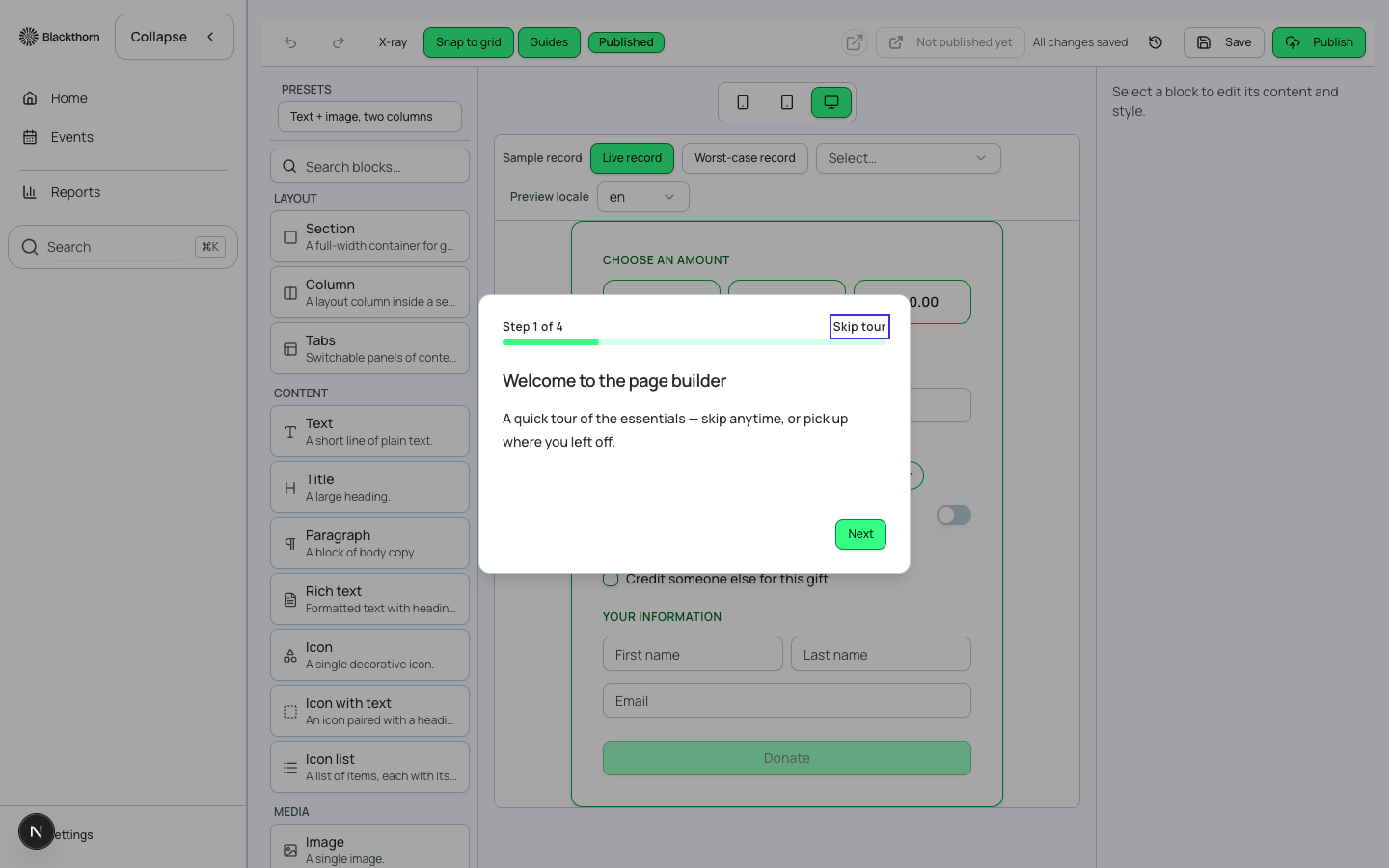
- Click New Donation Page to create your first giving page. Give it a name, link it to a Salesforce Campaign, and configure your ask array.
- Add designations from the Designations tab if your organization routes gifts to multiple funds.
- Publish the page. Forge generates a public URL you can embed or share.
- To enable recurring gifts, ensure a payment gateway supporting recurring charges is configured in your Forge admin settings.
- To enable P2P fundraising, toggle the Peer-to-Peer option on the donation page settings and set the participant registration form.
Recurring gifts
When a donor selects a recurring gift frequency (monthly, quarterly, annually), Forge creates a bt_stripe__Payment_Schedule__c record in Salesforce. The Blackthorn recurring engine processes charges on the configured schedule using your event's payment gateway — not Stripe Subscriptions or Stripe Billing.
Recurrence is Salesforce-native, not Stripe Subscriptions
Forge never creates Stripe Subscription objects or bt_stripe__Subscription2__c records for recurring donations. All recurrence is managed through bt_stripe__Payment_Schedule__c and the HighVolumeTransactionBatchScheduler Apex scheduled class. This ensures multi-gateway parity and a single source of truth for all recurring gift schedules.
Gift Aid (UK)
For UK-based organizations, you can enable Gift Aid declaration collection on any donation page. When a donor checks the Gift Aid declaration, Forge records a bt_fundraising__Gift_Aid_Declaration__c record in Salesforce linked to their Donation record. Your Gift Aid submissions are then generated from Salesforce.
Salesforce data model
| Forge | SF Object | SF Field |
|---|---|---|
| Donation | bt_fundraising__Donation__c | Amount, designation lookup, recurring flag |
| Recurring schedule | bt_stripe__Payment_Schedule__c | Frequency, next charge date, status |
| Pledge | bt_fundraising__Pledge__c | Total pledge amount, fulfillment date, balance |
| Designation | bt_fundraising__Designation__c | Fund name, allocation rules |
| Donation allocation | bt_fundraising__Donation_Allocation__c | Links donation to designation with split amount |
| Soft credit | bt_fundraising__Donation_Soft_Credit__c | Contact, amount, credit type |
| Gift Aid declaration | bt_fundraising__Gift_Aid_Declaration__c | Declaration date, donor eligibility |
| P2P participant | bt_fundraising__P2P_Participant__c | Personal page URL, fundraising goal, raised amount |
| P2P team | bt_fundraising__P2P_Team__c | Team goal, team captain, member list |
| Campaign (linked) | Campaign | Standard SF Campaign linked to the fundraising effort |
PII in donation records
Donor names, email addresses, and billing details are stored only in Salesforce (Contact and Donation records). Forge's Postgres layer stores only Salesforce record Ids and non-PII configuration. Payment card data is never stored anywhere — it passes through to the payment gateway only.
Current limitations
- Donation pages support Stripe and Authorize.Net gateways in this beta. PayPal and Spreedly support is planned.
- The donor portal is a Forge route (not a standalone webapp) in this beta phase. A standalone public donor webapp is in development.
- In-event donation widgets (embed on the event registration checkout) are planned post-GA.
- Automatic NPSP/NPC opportunity sync is provided through the Giving Data Models feature (see that page) — it must be enabled separately.
- The P2P email invitation flow is configurable but limited to the built-in Forge email templates in this beta.
- Auction and donation pages are managed separately — there is no unified fund-a-need flow yet in the Forge UI (available in the Live Auctions module).